Restaurant Freezer Temperature Alarms: Monitor Temperatures and Receive Alerts
Know the moment a freezer drifts out of range, even at 2 a.m. when nobody's in the building.
A restaurant freezer temperature alarm tells the right person when a freezer moves outside its expected range, so someone can act before inventory is at risk. Temp King Turbo does this with wireless sensors inside walk-in and reach-in freezers, a connected gateway, and SMS and email alerts sent to the people you choose for each unit. Every reading is also recorded, so you have a temperature history to review after the alert.
- 130+restaurant brands and chains use Label King
- 99%customer retention
- 60-daymoney-back guarantee
Restaurant brands that use Label King







Why Manual Freezer Temperature Checks Miss Problems
Most kitchens check freezer temperatures a few times a day: once at opening, maybe at shift change, and again at close. Each check is a snapshot. If a compressor starts struggling at 1 a.m. or a walk-in door doesn't latch after the last delivery, nobody sees it until the opening crew walks in hours later.
Manual checks also depend on the person doing them. A busy closer may glance at the dial, write down a familiar number and move on. Even an accurate reading only tells you what the freezer was doing at that moment, not what happened between checks.
Wireless freezer monitoring changes the question from "What was the temperature when someone looked?" to "Is anything out of range right now?" Sensors report around the clock, and the system notifies people when a reading drifts, whether or not anyone is in the building.
How Freezer Temperature Alerts Work
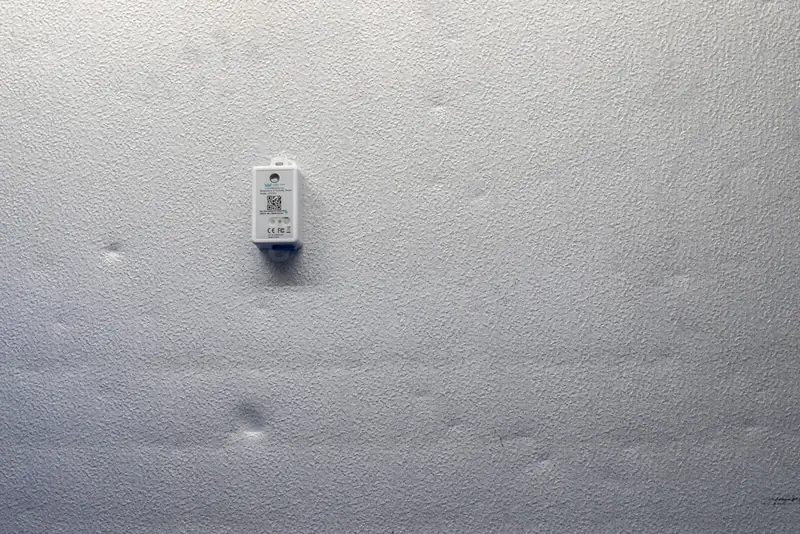
- Place a sensor in each freezer. Battery-powered wireless sensors go inside walk-ins and reach-ins. No wiring.
- Connect the gateway. A small gateway with power and an internet connection receives the readings. The freezer itself doesn't need Wi-Fi.
- Set ranges and recipients. Choose the range for each freezer and who gets notified: GM, shift lead, owner or area manager.
- Get alerted and act. Out-of-range readings trigger SMS and email alerts, while every reading builds a timestamped history.
Because you choose recipients per unit, alerts reach people who can actually act. A late-night alert that only lands in an empty office inbox does little good, so decide during setup who covers which hours.
Monitoring Walk-In and Reach-In Freezers
Different freezers fail in different ways, and a good monitoring plan accounts for each.
Walk-in freezers
A walk-in usually holds the most inventory and the highest dollar value in the kitchen. It's also the unit most exposed to a door left ajar during a delivery or a slow decline in refrigeration performance.
Reach-in freezers
Reach-ins on the line are opened constantly during service and easy to skip on a paper log, yet they often hold prepped product the line depends on. Give each one its own sensor and range.
Coolers and hot holding
Temp King Turbo also monitors walk-in and reach-in coolers, refrigerated prep stations and hot-holding equipment, so freezers aren't tracked in a separate system.
Every location
Owners and area managers see monitored units across stores from one dashboard and route alerts to local or regional people.
Stop Finding Freezer Problems at Opening
A specialist will help you plan sensor placement, alert recipients and ranges for one store or many.
What to Do When a Freezer Temperature Alarm Goes Off
An alert is the start of a response, not the end of one. Monitoring buys your team time; your procedures decide what happens with it.
- Acknowledge the alert. The designated person confirms they're responding, so two managers don't each assume the other has it.
- Investigate the equipment. Check the obvious causes first: a door propped open, a blocked vent, a tripped breaker or heavy frost buildup. If the cause isn't clear, call your refrigeration service provider.
- Assess food safety. Use the temperature history to see when the drift began and how far it went, then apply your food-safety procedures and local health guidance to decide what can be kept, moved or discarded.
- Document the response. Record what you found, what you did and who did it. A clear record helps with manager reviews and shows how the issue was handled.
If your locations also run Ops King Turbo, a temperature alert in Temp King can trigger a corrective-action checklist in Ops King, giving the responder a defined set of steps to complete and record.
Example: an overnight walk-in freezer drift
A walk-in freezer starts warming after close. Instead of the opener discovering it at 6 a.m., the off-site GM gets a text, checks the history from a phone and calls service. Product gets moved to another unit while there's still time to decide. (Illustrative example; outcomes depend on the equipment, the cause and response time.)
Freezer Alerts and Temperature Records Work Together
An alert answers "Is something wrong now?" The temperature record answers "What happened, and when?" You need both.
Temp King Turbo records readings automatically, building a timestamped history across opening, closing and overnight hours. When a freezer recovers after a door is closed, the history shows how long it was out of range. When the same unit drifts every few days, the pattern helps managers decide whether it's a behavior issue or an equipment issue. The logs are exportable and HACCP-ready, supporting manager reviews, audits and inspection prep.
Planning Freezer Monitoring for Your Restaurant
Before you talk to a specialist, gather a few details:
- How many walk-in and reach-in freezers (plus any coolers or hot-holding units) you want monitored
- Where the gateway can get power and an internet connection
- The temperature ranges your procedures call for
- Who should receive alerts, including after hours
- Whether you need visibility across multiple locations
Final requirements depend on your equipment, building layout and connectivity, so a specialist confirms sensor placement and configuration during setup. Learn more about restaurant temperature monitoring.
Restaurant Freezer Temperature Alarm FAQs
Does a freezer need Wi-Fi for the sensor to work?
No. The wireless sensors report to a gateway that needs power and an internet connection in the building. The freezer itself does not need Wi-Fi coverage.
Who gets the alert when a freezer goes out of range?
You choose the recipients for each monitored unit. Alerts go by SMS and email to the people you select, such as a GM, shift lead, owner or area manager.
Can I set different ranges for different freezers?
Yes. You configure a range for each unit, so a walk-in freezer and a reach-in on the line can each have their own settings.
Can I monitor freezers at more than one location?
Yes. Authorized users review monitored units across locations from a centralized dashboard and route alerts to local or regional team members.
Will a freezer alarm prevent food loss?
No system can guarantee that. Alerts give your team earlier notice so they can respond sooner. Temp King supports, rather than replaces, your training, equipment maintenance and corrective-action procedures.
Monitor Your Restaurant's Freezers Around the Clock
Tell us which freezers you need to watch. A specialist will walk through sensors, alerts and setup for your kitchen. No contracts, backed by a 60-day money-back guarantee.