Automatic Restaurant Temperature Logs: Move Beyond Paper Records
A complete, timestamped temperature record for every cooler and freezer, without anyone touching a clipboard.
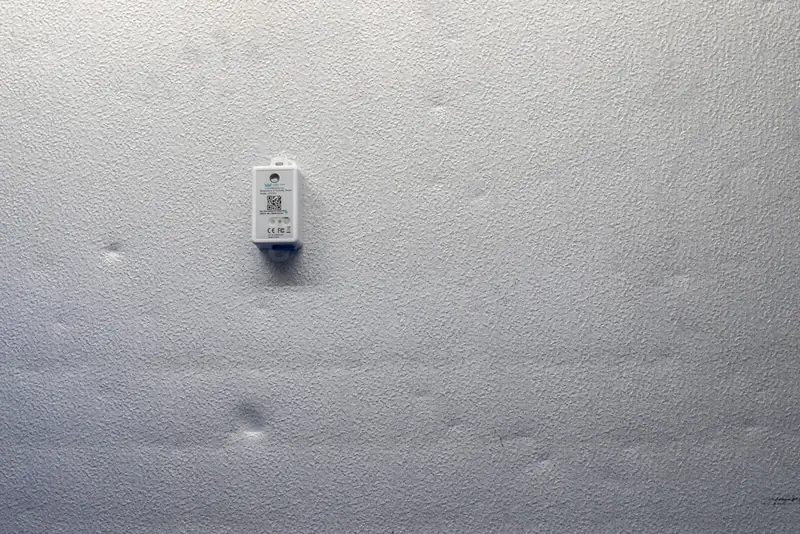
Automatic restaurant temperature logs record equipment temperatures on their own, with no one writing a number down. Temp King Turbo places wireless sensors in coolers, freezers, walk-ins, prep stations and hot-holding equipment, then builds a timestamped history that managers can review from one dashboard and export when an inspector, auditor or franchisor asks.
- 130+restaurant brands and chains use Label King
- 99%customer retention
- 60-daymoney-back guarantee
Restaurant brands that use Label King







The Problem With Handwritten Restaurant Temperature Logs
Paper equipment logs are familiar, cheap and easy to start. They also have limits that show up the moment someone needs to rely on them.
- They capture moments, not hours. Three readings a day say nothing about overnight or the afternoon lull.
- They depend on memory. When a shift gets busy, a reading gets skipped and filled in later from "what it usually is."
- They're hard to review. Spotting a pattern across weeks of handwritten sheets, or across several stores, takes time most managers don't have.
- They get lost or damaged. Clipboards near coolers get wet, binders go missing, and older records are hard to find when someone asks.
None of this means your team is careless. Paper is just a weak tool for a job that never stops: equipment runs around the clock, but a person can only check it occasionally.
How Automatic Temperature Logging Works
- Sensors go in each unit. Battery-powered and wireless, each named during setup so you know exactly which walk-in, reach-in or prep station a reading came from.
- The gateway sends readings to the cloud. It needs power and internet in the building; the coolers don't need Wi-Fi.
- Records build themselves. Every reading is timestamped and stored, ready to review or export.
Because sensors report continuously, the log covers the hours nobody is watching: after close, before open and during the rush when no one has time for a thermometer.
What Automatic Temperature Records Help Managers Do
Review equipment performance
See whether a unit held steady, drifted during delivery hours or took longer than usual to recover after a busy service. That's hard to spot on a sheet with three numbers a day.
Investigate a temperature change
The history shows when a change began and whether the unit returned to range, so a manager can decide between a service call, a habit change or simply watching it.
Prepare for inspections and audits
Exportable, HACCP-ready logs support manager reviews, audits and health-inspection prep. Pull the records for the units and dates in question instead of searching binders.
Compare locations
Owners and area managers review every monitored unit across stores from one dashboard. See multi-location restaurant operations.
Retire the Temperature Clipboard
Show us the units you log by hand today and we'll show you what automatic logging looks like in your kitchen.
Example: Answering "When Did This Start?"
A reach-in on the line feels warm at lunch. The paper log shows a normal reading at opening, and nothing since. With automatic logs, the manager opens the unit's history and sees the climb started mid-morning, right when a prep cook began propping the door during a big prep run. That turns a repair call into a two-minute coaching conversation. (Illustrative example.)
Temperature Logging vs. Temperature Alerts
Logging and alerts are related, but they answer different questions.
| Automatic logging | Temperature alerts | |
|---|---|---|
| Answers | What happened, and when? | Is something out of range right now? |
| Used by | Managers reviewing history, investigating issues and prepping for inspections | Designated responders who need to act fast |
| Matters most | Over weeks and months | In the moment, including after hours |
Temp King Turbo does both. Readings build the log continuously, and when a unit drifts outside its range, the people you choose get SMS and email alerts. If fast response is your priority, see how Temp King Turbo wireless temperature monitoring handles alerts.
Equipment Temperature Logs vs. Food Temperature Checks
Automatic logs track the temperature inside the unit, such as the air in a walk-in or a prep station. They don't measure the internal temperature of food during cooking, cooling, reheating or hot holding, so those checks still happen by hand.
To get those manual checks off paper too, Ops King Turbo checklists include temperature fields that record each reading with a timestamp and signature. Those are records of what someone measured, not sensor-verified readings.
Getting Started With Automatic Temperature Logs
List the units you log by hand today, note where a gateway can get power and internet, and identify who reviews the records now. A specialist will review sensor placement, connectivity, alert recipients and dashboard setup, then confirm the configuration for your equipment and building.
Automatic Restaurant Temperature Log FAQs
Can I export the temperature records?
Yes. Temp King Turbo's digital logs are exportable for manager reviews, audits and inspection prep.
Which equipment can be logged automatically?
Walk-in coolers and freezers, reach-in refrigerators and freezers, refrigerated prep stations and hot-holding equipment.
Are automatic temperature logs HACCP compliant?
Temp King Turbo produces HACCP-ready logs that support HACCP-based procedures. Compliance depends on your full plan and how records are reviewed and acted on, not on the logging tool alone.
Can we stop keeping paper equipment logs?
For monitored units, automatic logs give you a continuous, timestamped record. Check your procedures and any local requirements before retiring paper entirely.
Does automatic logging cover food temperatures?
No. Sensors track equipment temperatures. Internal food temperatures still need your normal checks.
Replace Manual Equipment Temperature Logs
A specialist will review the units you log today and show you how automatic logs would work for one location or many. No contracts, backed by a 60-day money-back guarantee.