RESTAURANT OPENING AND CLOSING CHECKLIST (FREE TEMPLATE)
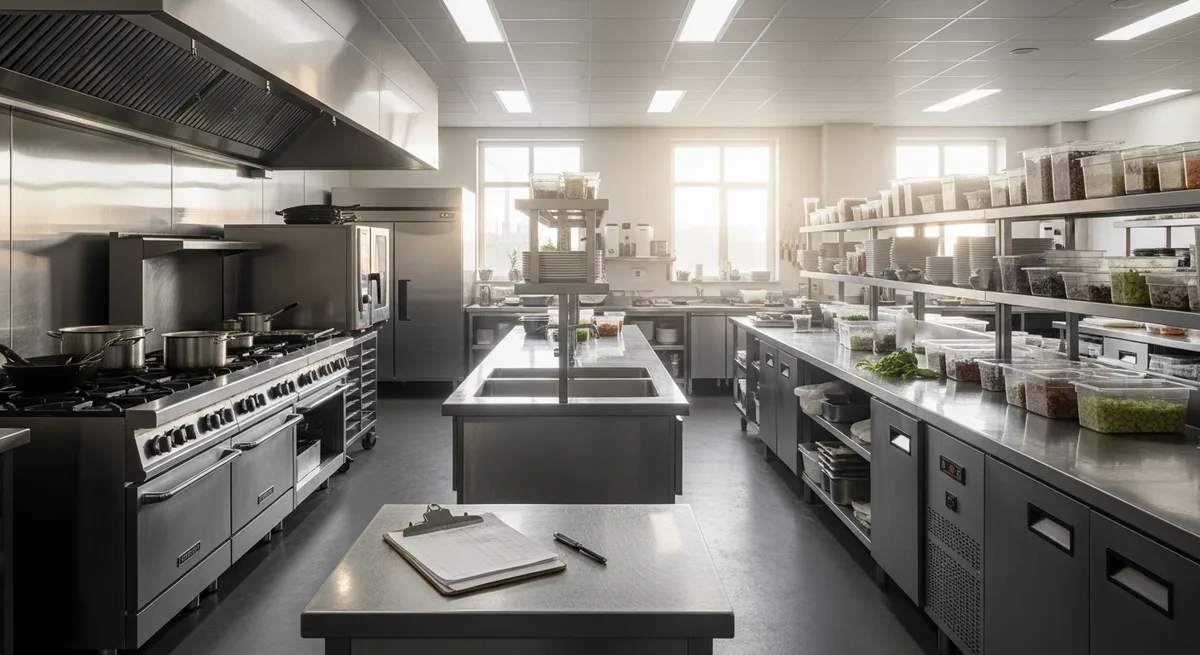
The first hour of the morning and the last hour of the night decide whether your next shift runs smoothly or starts with a fire to put out. A consistent opening and closing checklist removes the guesswork — new hires know exactly what to do, managers don’t have to repeat themselves, and nothing important gets skipped. This is a complete free template covering front of house, back of house, and management duties for a typical quick-service or full-service restaurant. Copy it, adapt it to your operation, and post it where your team can see it.
What Should a Restaurant Opening Checklist Include?
A restaurant opening checklist should cover five areas: food safety verification (cooler and freezer temperature checks, date-label review), equipment startup in the correct order, station stocking and sanitation, front-of-house readiness (cleaning, restocking, POS and cash drawer), and a manager review that confirms staffing, prep levels, and sign-off before doors open. A closing checklist mirrors it in reverse: breakdown and sanitation, product labeling and storage, cash reconciliation, equipment shutdown, and a final security walk.
Why Checklists Matter More Than You Think
Most operational failures in restaurants aren’t dramatic. They’re small things that compound: a cooler door left ajar overnight, a prep table that wasn’t sanitized, a fryer that wasn’t filtered. Each one looks minor in isolation. Added up across a week, they cost real money in spoiled product, failed inspections, and customer complaints.
A written checklist enforces the basics. It’s also your defense during a health inspection — a documented opening and closing routine signals an operator who takes consistency seriously.
Opening Checklist: Back of House
- Unlock and inspect the kitchen for any overnight issues (leaks, pests, power loss).
- Check cooler and freezer temperatures. Walk-ins should be 38°F or below; freezers at 0°F or below. A cooler that drifted overnight can cost thousands if not caught early.
- Verify all dated product is within shelf life. Pull anything expired.
- Turn on cooking equipment in the correct order (grills first, fryers second, ovens last is typical).
- Sanitize all prep surfaces with fresh solution.
- Refill sanitizer buckets at every station with the correct concentration.
- Stock prep stations with the day’s mise en place.
- Verify hand-sink soap and paper towel stock at every sink.
- Print and post any day-specific labels (rotation, prep dates, allergen flags).
- Conduct a line check — taste, temp, and visual inspection of every menu item component.
Opening Checklist: Front of House
- Unlock the dining room and inspect for overnight issues.
- Turn on lights, music, and POS systems.
- Wipe down all tables, chairs, host stand, and high-touch surfaces.
- Restock napkins, condiments, sweeteners, and to-go supplies.
- Verify bathrooms are clean, stocked, and signage is in place.
- Brew coffee, fill ice bins, and set up beverage station.
- Check menu boards and digital signage are showing the correct content.
- Count opening cash drawer and verify against the previous night’s close.
- Review reservations or pre-orders for the day.
- Run a test transaction on the POS to confirm everything is working.
Opening Checklist: Manager
- Review previous shift’s closing notes and address any flagged issues.
- Confirm staffing for the shift. Call in replacements for any callouts.
- Review daily sales target and prep levels.
- Conduct pre-shift meeting: menu specials, 86’d items, large parties, focus areas.
- Verify all required temperature logs and food safety logs are current.
- Confirm all opening checklists are signed off before service begins.
Closing Checklist: Back of House
- Break down and clean all prep stations.
- Label and date all leftover product for next-day use. Pull anything that won’t make it.
- Wipe and sanitize all surfaces, including the underside of equipment.
- Filter fryer oil and rotate or change as needed.
- Clean and degrease the grill and flat-tops.
- Empty, clean, and reline all trash and recycling bins.
- Sweep and mop all kitchen floors. Pull mats and clean underneath.
- Final temperature check on all coolers and freezers.
- Verify all gas, ovens, and non-essential equipment are turned off.
- Lock the back door and walk the perimeter.
Closing Checklist: Front of House
- Wipe down all tables, chairs, booths, and high-touch surfaces.
- Sweep and mop the dining room and bathrooms.
- Restock for tomorrow: napkins, silverware roll-ups, condiments.
- Break down and clean the beverage station, including soda gun nozzles.
- Empty bus tubs and clean dish area.
- Count cash drawer, drop deposits, and prep float for next day.
- Turn off music, dim lights, and lock front doors.
- Set alarm if applicable.
Closing Checklist: Manager
- Verify all closing checklists are completed and signed.
- Reconcile sales, tips, and cash. Investigate any variances.
- Review the night’s comps, voids, and refunds.
- Document any equipment issues, employee incidents, or guest complaints.
- Write closing notes for the next manager.
- Confirm all doors, windows, and safes are locked.
- Set alarm and leave the building last.
Weekly and Monthly Restaurant Operations Checklist
Daily opening and closing routines keep a shift on track, but some tasks only need attention weekly or monthly. Build these into a separate restaurant operations checklist so they don’t fall through the cracks:
- Weekly: Deep-clean fryers and change oil filters, delime the dish machine, clean hood filters, rotate dry storage stock, audit date labels across all coolers, and clean floor drains.
- Bi-weekly: Full inventory count, check smallwares and small-equipment condition, review waste logs for patterns.
- Monthly: Descale espresso and beverage equipment, calibrate thermometers (here’s the step-by-step), inspect door gaskets on coolers and freezers, verify pest-control visits are documented, and confirm licenses, permits, and food-handler certifications are current.
How to Use This Template
- Adapt it first. Delete lines that don’t apply and add your own equipment and stations.
- Assign an owner to every line. A checklist without names is a suggestion, not a system.
- Post it at the workstation, not in the office — laminated at the station or on a screen the team actually looks at.
- Require sign-off with a time, and have the manager spot-check two or three items per shift so signatures stay honest.
How to Make Checklists Actually Get Done
Printed checklists work, but they have one flaw — nobody verifies the boxes are real. Staff can sign off without doing the work, and managers can’t prove what was actually done. This is the same problem as pencil-whipping temperature logs.
The fix is timestamped, photo-verified digital checklists tied to the actual workstation. Tools like Stream King make checklists visible right at the prep station, and integration with Temp King Turbo means temperature checks are recorded automatically — no clipboard required.
For a deeper self-audit beyond the daily opening and closing routine, work through our complete restaurant audit checklist on a weekly cadence — it covers food safety, equipment, staff, and back-office compliance in one pass.
Want help building a checklist system that actually gets followed? Reach out to the Label King Mobile team and we’ll walk you through what works for operations like yours.
Turn the Checklist Into a Shift Handoff
An opening checklist should not start from zero, and a closing checklist should not end without telling the next manager what changed. Add a short handoff section for equipment issues, low-stock items, prep that was deferred, staffing gaps, and anything that needs a follow-up before the next service.
Keep the handoff specific. “Walk-in issue” is difficult to act on; “walk-in reached 43°F at 9:15 p.m., product was moved to the reach-in, manager to call service before opening” gives the next shift a clear starting point. The manager who opens should acknowledge unresolved items before assigning the day's work.
Adapt Opening and Closing Tasks to the Operation
A checklist is useful only when it matches the way the restaurant actually works. A quick-service location may need a short line-readiness check, condiment restock, and drive-through equipment check. A full-service restaurant may need reservations, table settings, bar setup, private-dining notes, and a dining-room walkthrough. A commissary or catering kitchen may need delivery staging, batch records, and transport-temperature checks.
Start with the non-negotiable control points, then add concept-specific tasks. Separate “every shift” work from weekly deep cleaning and monthly maintenance so the daily list stays short enough to finish before service. Review the list after a near miss, inspection finding, equipment change, or menu change rather than waiting for an annual rewrite.
How Managers Can Verify the Work
Signatures alone do not show whether a task was completed correctly. Managers can make the routine more reliable by spot-checking a few high-risk items each shift: a cooler reading, sanitizer concentration, date labels, a cleaned food-contact surface, or a locked closing area. Record the exception and the corrective action instead of asking staff to recreate a perfect-looking checklist after the fact.
For recurring work across multiple locations, a digital checklist can add timestamps, assigned owners, required notes or photos, and a review queue for exceptions. That does not replace training, manager judgment, or the food-safety procedures that apply to the operation. It gives the team a clearer record of what was assigned, what was completed, and what still needs attention.
Opening and Closing Checklist Review
- Remove tasks that are not relevant to the location or move them to a weekly or monthly list.
- Mark the steps that protect food safety, security, cash control, or equipment as priority checks.
- Assign each task to a role and define what “done” looks like.
- Add a manager review before opening and a documented handoff after closing.
- Review repeat failures weekly and fix the process, equipment, or training—not just the individual checklist entry.
The best opening and closing checklist is short, specific, and reviewed often enough to reflect the real shift. Use this template as a starting point, then make the final version fit the stations, equipment, staffing, and service pattern at each location.
Before each meal period, use a station-level check alongside the building-wide opening routine. Our restaurant line check software guide includes a sample covering stock, temperatures, utensils and sign-off. For the front-of-house menu-board check, see how restaurant digital menu boards work and what to consider when planning screens.
FREQUENTLY ASKED QUESTIONS
- What should be on a restaurant opening checklist?
- Include food-safety checks, equipment startup, station stocking and sanitation, front-of-house readiness, POS or cash-drawer checks, staffing, and a manager review before service. Adjust the list for the equipment, service style, and procedures at each location.
- What should be on a restaurant closing checklist?
- A closing checklist commonly covers food storage and date labeling, cleaning and sanitation, fryer or equipment shutdown, final cooler and freezer checks, cash reconciliation, restocking, security, and notes for the next shift. The manager should verify completion and document exceptions.
- How do you make restaurant checklists get completed?
- Keep each list short, assign every task to a role, define what complete means, and place the checklist where the work happens. Manager spot-checks, clear handoffs, and review of repeat failures make the routine more reliable than signatures alone.
- Should a restaurant use a paper or digital opening and closing checklist?
- Paper can work for a small operation with simple procedures. Digital checklists become more useful when you need assigned owners, timestamps, required notes or photos, exception alerts, manager review, or consistent visibility across multiple shifts and locations.
- How often should a restaurant update its opening and closing checklist?
- Review it after an inspection finding, near miss, equipment or menu change, staffing change, or repeated missed task. A practical routine is to review repeat failures weekly and do a fuller checklist review at least whenever the operation changes.